
Installation
Download and install NarraLeaf Studio for Windows or macOS.
Windows x64 · Windows 10+ | |
macOS Apple Silicon · macOS 11+ |
Download links point at the current release. Earlier versions are on the releases page.
Requirements
| Platform | Minimum version | Architecture |
|---|---|---|
| Windows | Windows 10 | x64 |
| macOS | macOS 11 | Apple Silicon |
Studio does not run on an Intel Mac. Intel Mac remains available as a build target — see Run and Package.
Install
Windows — run the .exe installer. It installs for the current user by default, without an administrator prompt. The wizard can also change the install directory, or install for all users, which requires administrator approval.
macOS — open the .dmg and drag NarraLeaf Studio into Applications.
Studio is not code-signed, and the first launch has to be allowed manually. On Windows, select More info → Run anyway. On macOS, select Open Anyway under System Settings → Privacy & Security, or remove the quarantine attribute:
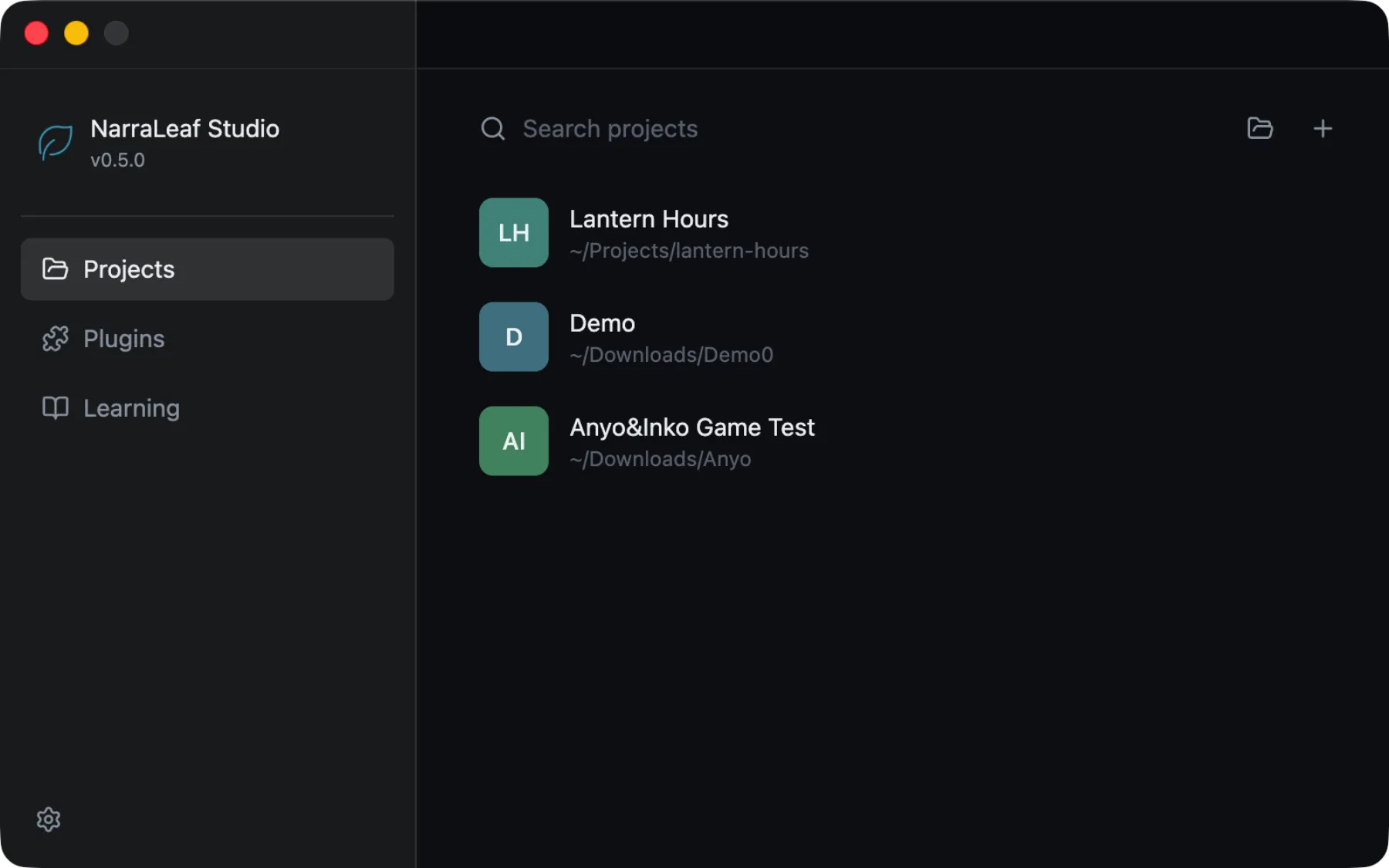
xattr -dr com.apple.quarantine "/Applications/NarraLeaf Studio.app"The first launch opens the launcher, which is where projects and plugins are managed.
Updating
Studio checks for a newer release shortly after launch and reports the result under Settings → General → Updates. Downloads do not start on their own. To stop the check, turn off Check for updates at launch.
Windows — download the update in that panel. Studio installs it on the next restart.
macOS — Studio reports the new version only. Download the current .dmg and replace the app in Applications.