NarraLeaf Studio
A production editor for assets, interfaces, immersive storytelling, and collaboration.
For teams that need one place to shape the visual novel before delivery work begins.
One project system for building, shipping, and embedding visual novels.
Use Studio to create freely, NarraLeaf Desktop to scale quickly, or NarraLeaf-React to customize completely.
A production editor for assets, interfaces, immersive storytelling, and collaboration.
For teams that need one place to shape the visual novel before delivery work begins.
A desktop application path for runtime, renderer, saves, packaging, and release work.
For projects that need to become a standalone visual novel application.
A React player for placing visual novel scenes inside your own interface.
For products where the story supports a larger web experience.
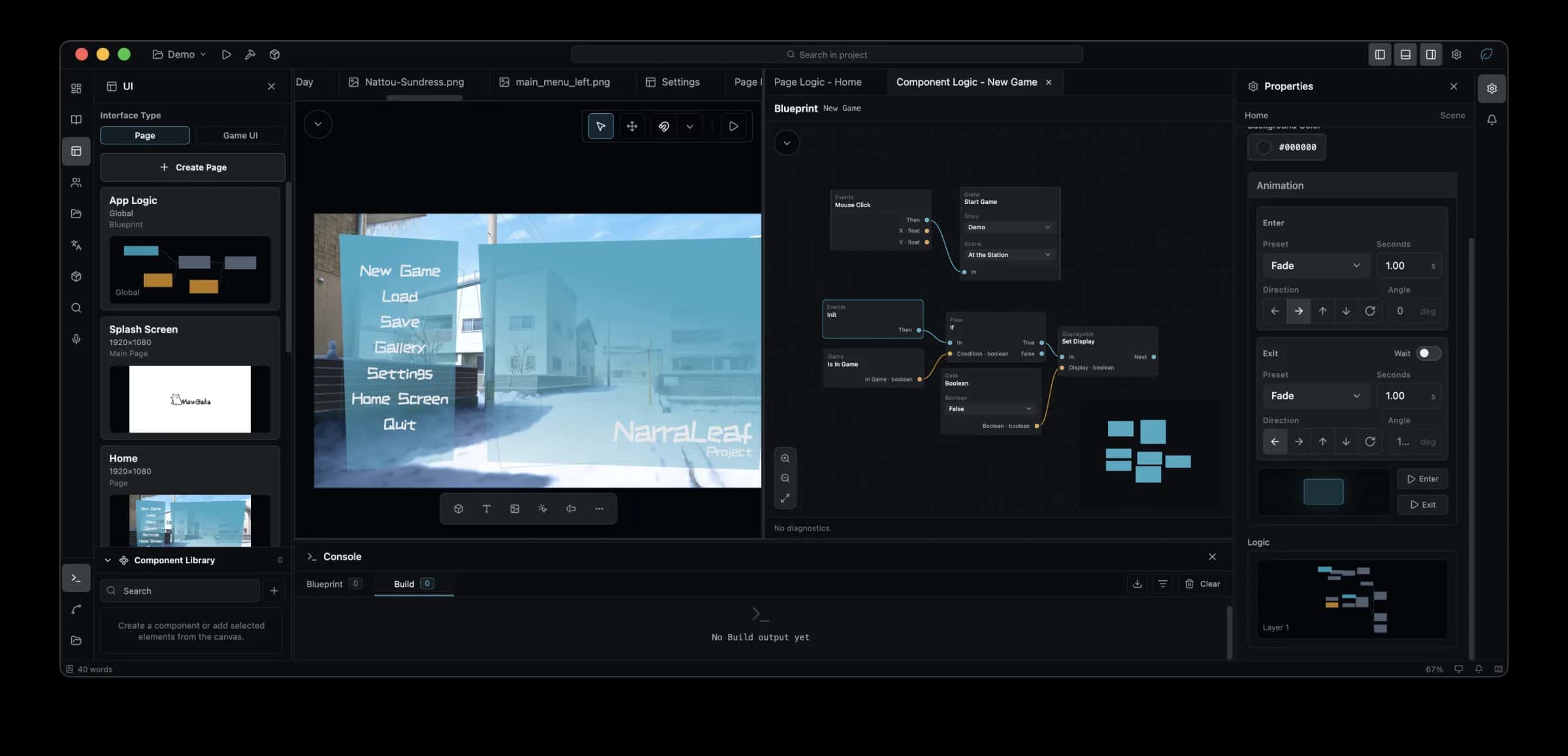
NarraLeaf Studio brings asset management, interface editing, immersive narrative work, and team collaboration into one editor built for visual novel production.
A prose editor that stays keyboard-first, a stage you can watch as you type, and characters that move.
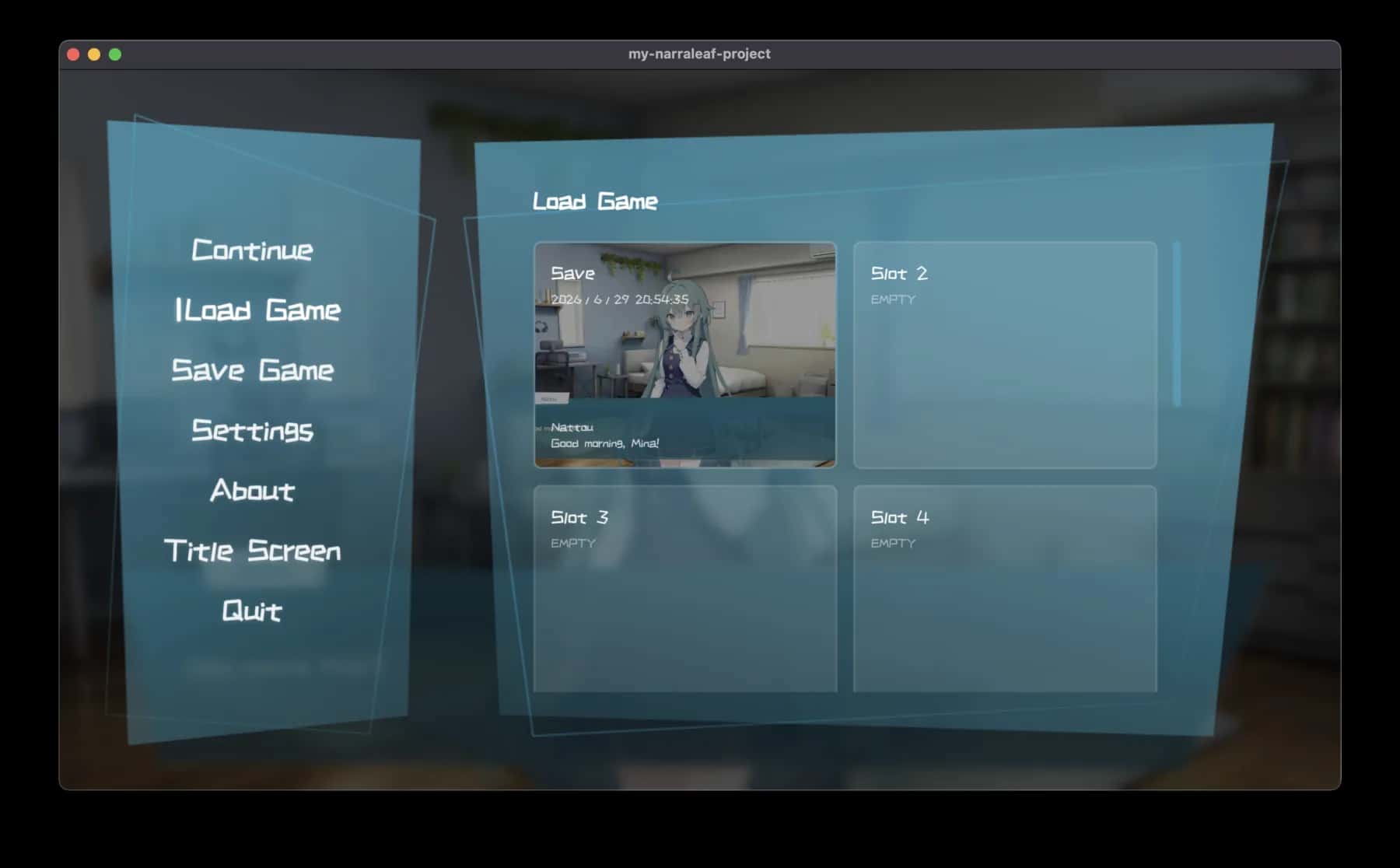
Every surface the player sees is editable — dialogue box, menus, logic and all — and none of it is locked behind a theme.
Localization with a review pass, versions you can submit and share, live debugging, and a production build at the end.
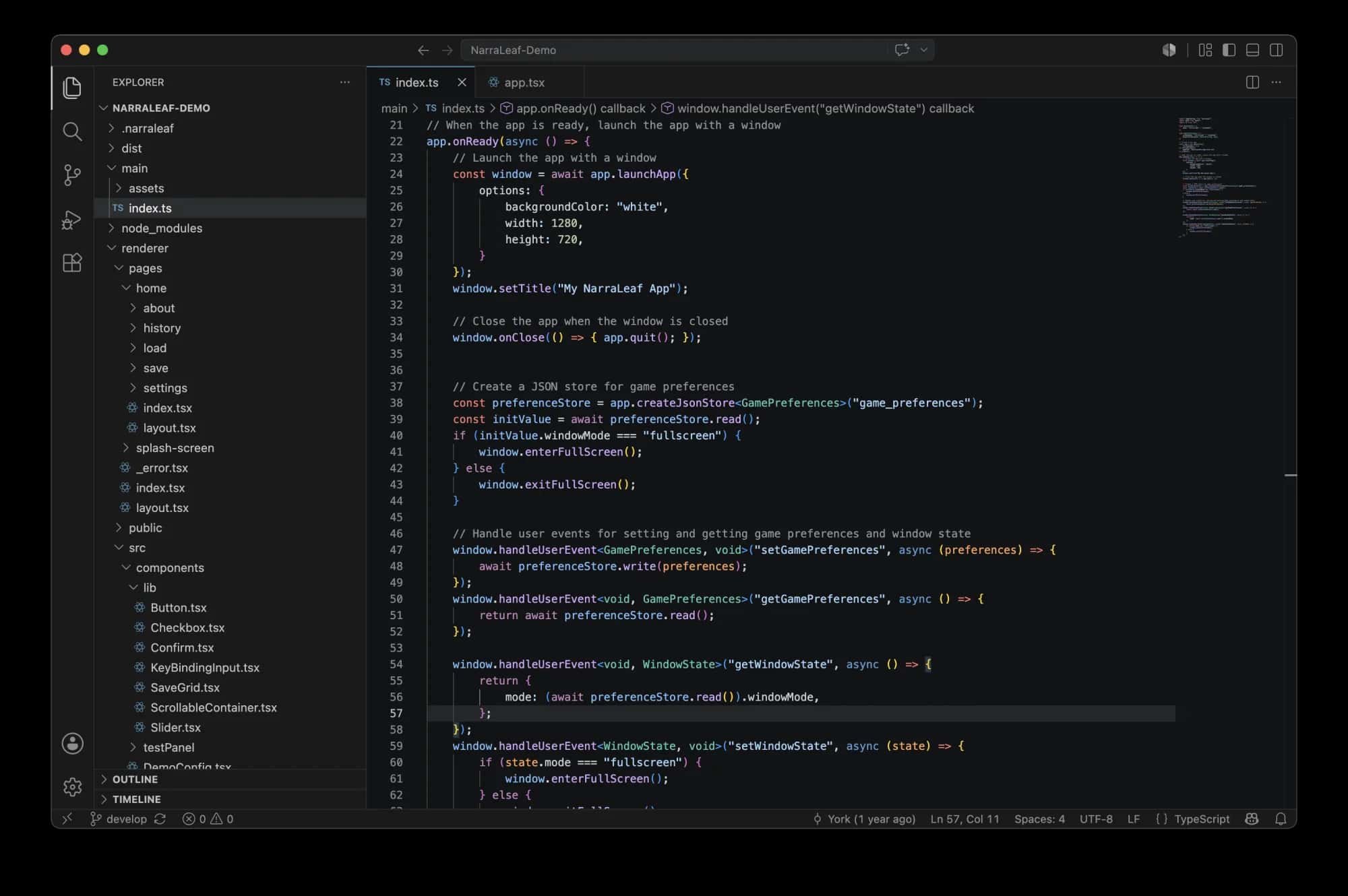
Work in the desktop project where window lifecycle, saves, routes, menus, and packaging are wired into the same NarraLeaf runtime you preview and ship.
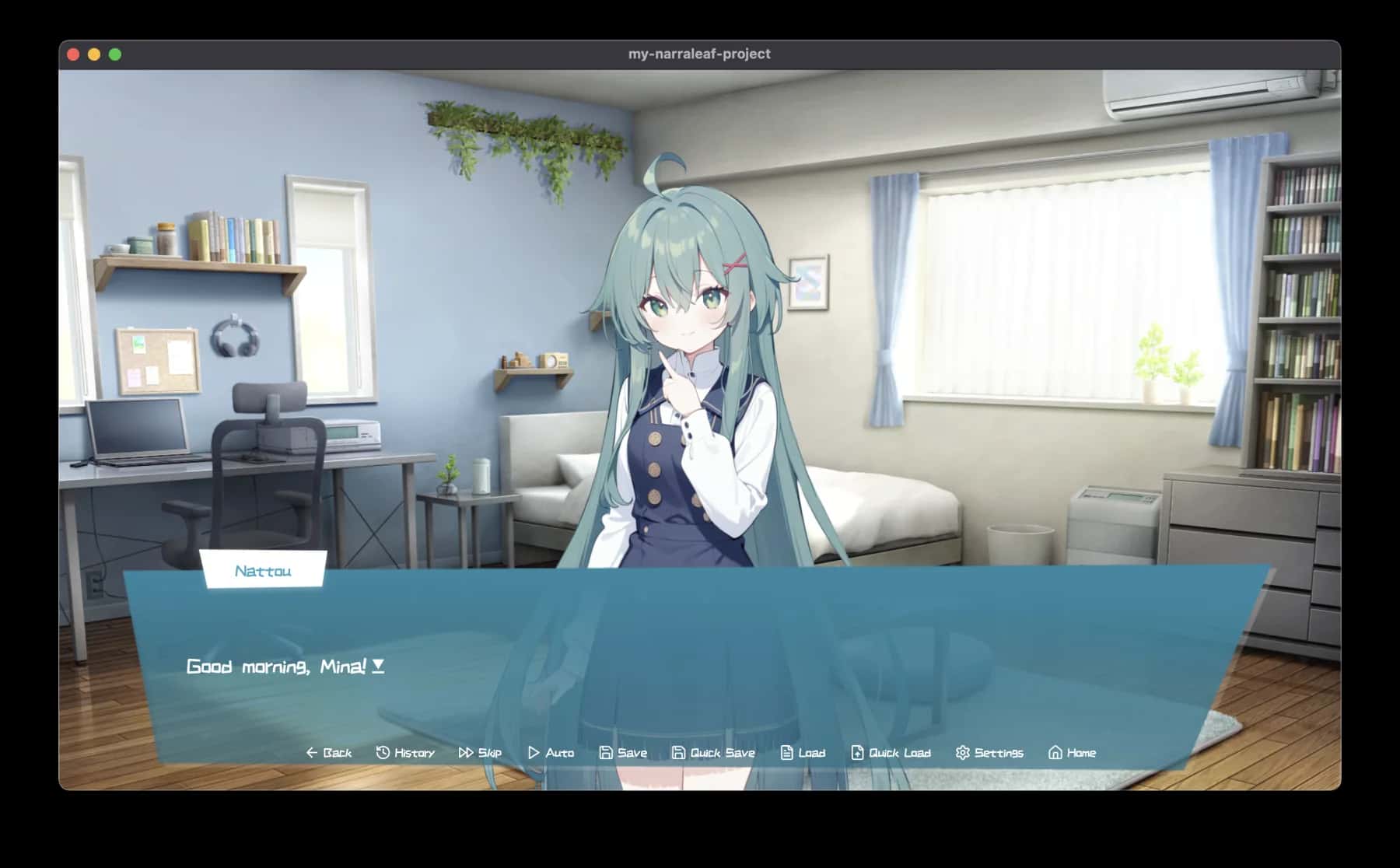
The player can sit beside the rest of your React UI while the script controls backgrounds, characters, dialogue, and choices inside the frame.
1introScene.background.char("/room.jpg", new FadeIn(600)),
2
3narraImage.show({ duration: 600 }),
4narraImage.transform(
5  Transform.create()
6    .position({ yoffset: -24 })
7    .commit({ duration: 260 })
8),
9
10narrator.say`The scene starts here, inside this page.`
11
12narra.say`The line can still carry ${c("color", "#7dd3fc")}.`,
13
14Menu.prompt("Where should the scene go?")
15  .choose("Change the room", [
16    narra.say`Give me a second to step aside.`,
17    narraImage.hide({ duration: 500 }),
18    introScene.jumpTo(featureScene, new Dissolve(500)),
19  ]),
NarraLeaf separates production work, desktop runtime, and embedded playback as first-class routes in the same project. Each route has its own job, but the story never has to become a disconnected export.
Studio is the editor where production stays together: assets, interface states, narrative flow, and collaboration context live in the same workspace.
The project overview gives you the shape of NarraLeaf. When you want the details, the docs are ready beside it.